
You lead a clinical team and see great clinicians spend their best energy on documentation instead of patient care. Notes follow them home, the backlog grows, and by Friday, everyone feels behind and worn out. You’re not looking for a shiny new tool. You need one that cuts documentation time without creating new problems.
A HIPAA-compliant transcription app can be the ideal use of AI in a clinical setting. It reduces documentation burden by turning speech into clinical text on a phone or tablet, right where care happens. But it’s rarely plug-and-play. Between inconsistent security practices and unclear vendor directions, choosing the wrong tool can put your patient data at risk.
That's why at Aloa, our custom AI solutions help teams plan, test, and roll out tools that fit existing systems. We’ve even built a HIPAA-compliant transcription tool for a client ourselves, so we know firsthand where these projects succeed and where they break in the real world.
In this guide, we’ll break down exactly what you need to do to find the best HIPAA-compliant transcription app. We’ll check HIPAA compliance signals you can verify, and look at day-to-day usability in clinics and hospitals.
Let’s dive in!
TL;DR
- Clinician burnout and HIPAA pressure both tie back to one problem. Too many notes and not enough safe time to write them.
- A HIPAA-compliant transcription app only helps when it turns speech into text without leaking PHI. It also has to fit real mobile work.
- We looked at 7 different tools in the transcription space and summarized their pros and cons
- When no tool can meet those tests for your clinic, that’s a signal. It may be time to explore a custom build instead of forcing more workarounds.
Why Do You Need HIPAA Compliant Transcription Apps?
A HIPAA-compliant transcription app turns spoken patient info into text while protecting health information at every step. It locks down audio and notes with strong encryption, tight logins, and audit trails. It also comes with a signed Business Associate Agreement (BAA) and secure storage, so your team does not gamble with patient privacy.
Essential HIPAA Requirements
Start with three non-negotiables. You need a signed BAA from the vendor. You need end-to-end encryption for audio and text, both in transit and at rest. You also need secure storage with access controls that match HIPAA Technical Safeguards.
You can sanity-check vendor claims with HIPAA compliance guidance from Aloa and similar documentation from serious providers.
HIPAA also expects access control, audit controls, and integrity controls:
- Access Control: The app should support role-based access, strong passwords, and multi-factor authentication. Your front desk should not see therapy notes. Your clinicians should not share logins, even when the day gets chaotic.
- Audit Controls: The app should log who recorded, viewed, edited, exported, or deleted a note. You want timestamps and user IDs, so you can answer an audit question without guessing.
- Integrity: The app should protect notes from silent changes. Look for edit histories, locked final notes, and secure exports into your electronic health records.
These safeguards matter more on mobile devices. A phone can store cached files from patient notes and drafts. It can sync through cloud services. You need the vendor to secure that entire path.
Red Flags to Avoid
Watch for these warning signs that often hide behind friendly marketing:
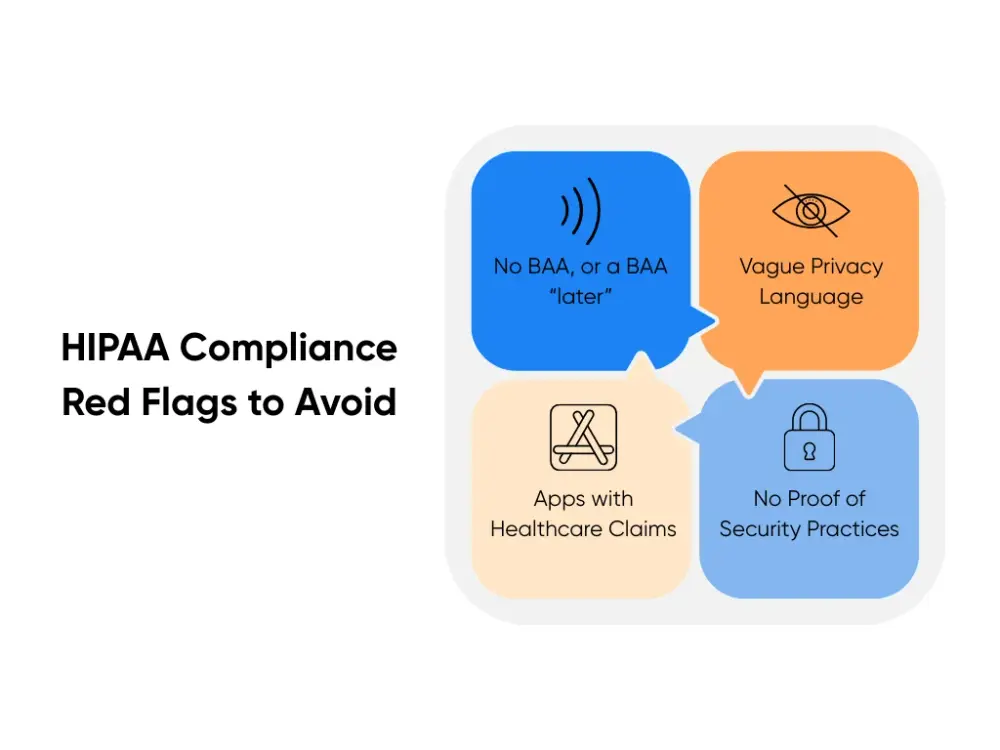
- No BAA, or a BAA “later”: A vendor that dodges the BAA signals risk.
- Vague privacy language: “We take privacy seriously” tells you nothing. You need specific controls and documentation.
- Consumer apps with healthcare claims: A generic voice app rarely meets HIPAA safeguards, even with settings toggled on.
- No proof of security practices: Vendors should explain encryption, access controls, audit logs, retention, and breach response.
Remember: deleting a file on a phone does not destroy it everywhere. Sync, backups, and logs can keep copies around. That’s why you want a vendor that spells out retention and deletion in writing, like the checklists you’ll see in HIPAA-focused transcription app rundowns.
Top 7 HIPAA Compliant Transcription Apps Reviewed
A solid medical transcription app can save hours of documentation time, but only when it fits your workflows and protects PHI every time. So we double-checked each vendor and reviewed the basics, such as HIPAA language, security posture, and anything else that’s publicly available.
Here's what we looked for across every tool:
- Clear compliance signals like HIPAA support and a BAA path you can actually request
- Clinical workflow fit like note formats, speaker handling, and EHR handoff
- Mobile reality like using a phone during patient visits without turning it into a tech project
1. Supanote
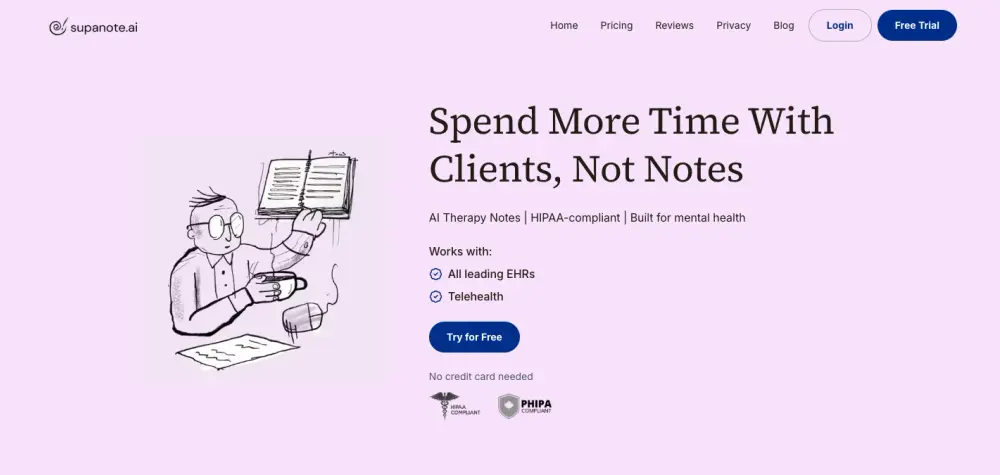
Supanote positions itself as AI therapy notes built for mental health, with HIPAA and PHIPA called out on its site. It also says it works with leading EHRs and telehealth, which matters when your clinicians already live in those tools.
This is a good fit when your main need is progress notes and patient records after therapy sessions. It keeps the workflow light, which helps adoption when staff already feel overloaded.
2. Mentalyc
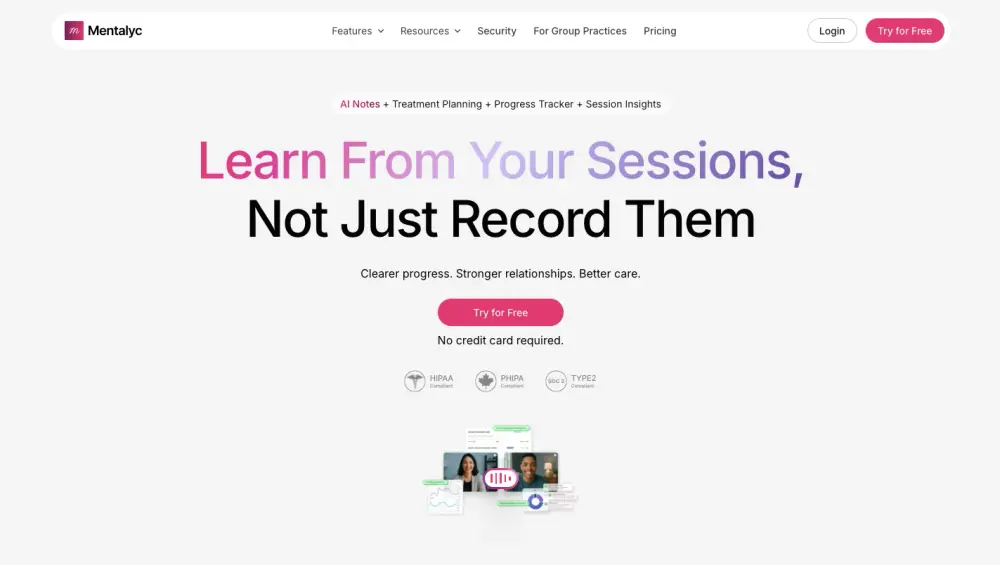
Mentalyc spells out “Secure & Compliant” with HIPAA, PHIPA, and SOC 2, plus a custom BAA for your practice. It supports common note templates like SOAP and DAP, and it talks directly about producing notes for your EHR.
One practical plus is how it captures sessions in multiple ways, including live listening, uploads, dictation, or typed summaries. That flexibility helps when your clinicians do both in-person and telehealth.
3. Upheal
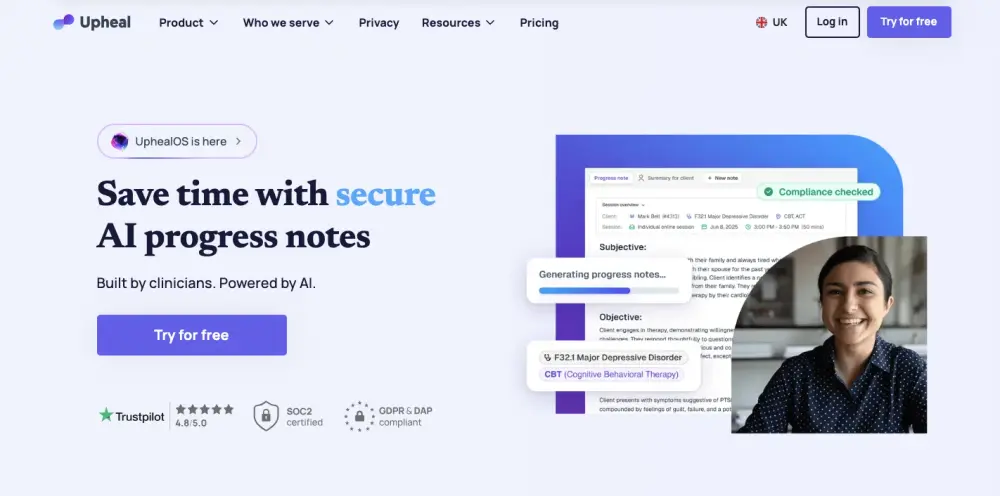
Upheal frames itself around AI progress notes for mental health and includes a “Compliance Checker” and SSO login on higher tiers. In its FAQs, it says its data security and privacy guidelines are monitored and updated for HIPAA and other regulations.
This can work well for group practices that need tighter access control as they grow. The SSO note matters because shared passwords can turn into a quiet compliance mess.
4. Quill Therapy Notes
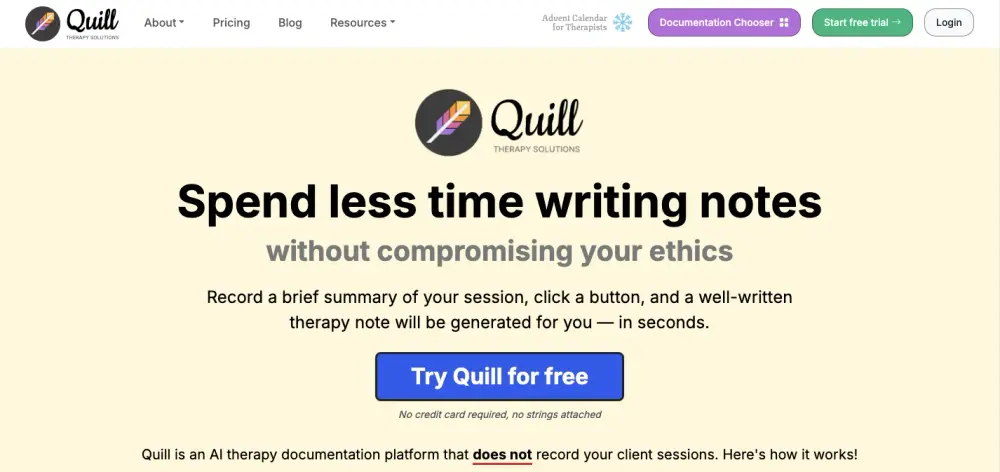
Quill takes a different approach. It says it doesn't record client sessions, and it generates a note from a summary your clinicians typed or recorded. It also states it is HIPAA compliant and mentions signing BAAs with its technology and AI providers.
This style can reduce risk in sensitive settings, since you control what enters your EHR system. It also keeps EHR handoff basic with copy and paste, which can be a plus for smaller teams.
5. Freed.AI
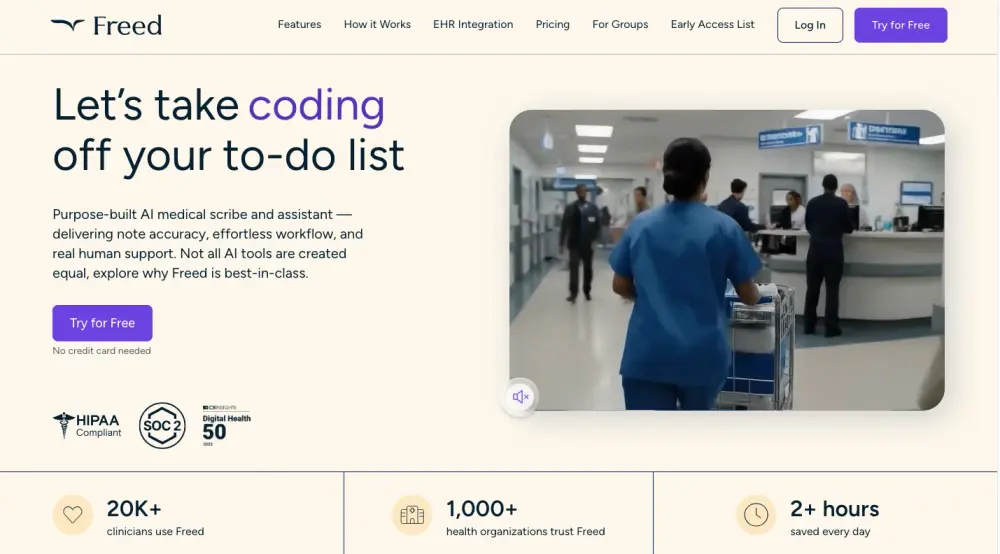
Freed describes itself as an AI medical scribe and assistant, and its site shows HIPAA and SOC 2 badges plus an EHR integration section in the nav. It also offers a “try for free” flow, which can help you test with a few clinicians before rollout.
Freed is worth a look when you need speed in clinical documentation across multiple specialties. For teams who dread after-hours charting, that “assistant” framing tends to land well.
6. Suki

Suki positions itself as ambient clinical intelligence that goes beyond transcription, capturing the patient conversation into notes, instructions, and even orders. It also calls out deep, real-time EHR integrations with Epic, Oracle Health, athenahealth, and MEDITECH, plus SOC 2 Type 2 and HIPAA compliance.
This is more “health system” shaped than “solo practice” shaped. It can shine when you need tight EHR workflows and consistency across many providers.
7. DeepCura

DeepCura calls itself an AI medical scribe and highlights free EHR integration and custom AI notes on its site. It also points to a trust center and shows a HIPAA compliance marker in its security section.
This can be interesting when you want notes plus workflow automation around tasks tied to patient information. It reads like a broader documentation tool, not only a dictation box.
This list gives you a practical starting line, not a final verdict. We'll get more specific on features. You'll see what “good” looks like for medical vocabulary, EHR integration, and mobile workflows.
For now, pick two or three tools from this list and run a short pilot. Measure note turnaround time, error rates on medical terms, and how often your staff needs to edit. Those numbers will tell you more than any pricing page.
What Healthcare Professionals Should Care for in a Medical Transcription App?
A doctor transcription app starts with speech recognition. It converts spoken words into text. Advanced natural language processing then edits that text into a note that a clinician can review and sign.
You want that process to feel smooth for your staff as part of how AI is reshaping healthcare operations. You also want it to hold up when you face audits, record requests, and care handoffs.
Focus on these three areas:
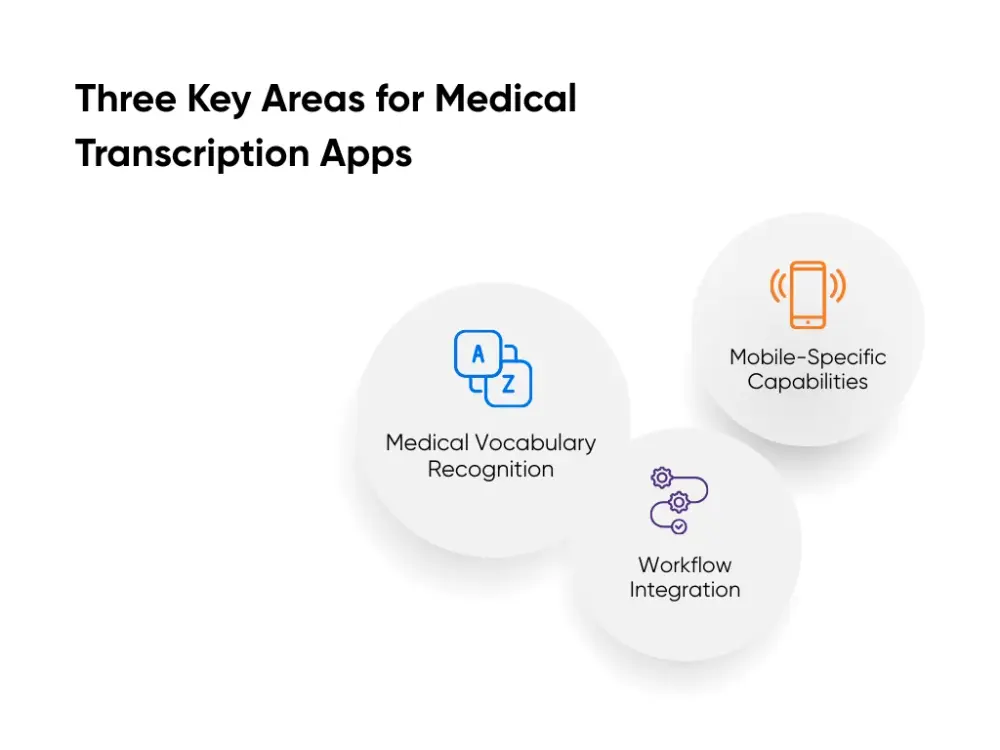
Medical Vocabulary Recognition
Complex medical terms are domain-specific and can easily break general dictation tools. The complexity also comes from doctors who speak quickly during dictation, and it becomes time-consuming to manually correct any errors.
The industry standard is to require 95%+ accuracy in medical terminology and to ask the vendor to show samples from your specialty. You can do your due diligence by running a short test with high-risk phrases. Include meds, dosages, and body side.
Workflow Integration
The app should support templates for SOAP notes, progress notes, and discharge summaries. It should also connect to your EHR or export in a format that fits your documentation process.
For example, a discharge summary needs diagnoses, meds, follow-up, and patient instructions. When the app structures those sections, nurses and care coordinators can act faster. That improves continuity and reduces missed follow-up steps.
Multi-speaker identification also matters. Patient consultations include interruptions and back-and-forth.
Mobile-Specific Capabilities
Mobile use creates additional compliance pressure and introduces more variables. Mobile devices are often used with different networks with different levels of security. This can often result in data loss.
One feature that matters a lot on phones is offline capture. When the app loses signal, clinicians still record visit notes in encrypted storage on the device. The app syncs them once it reconnects, so no one reaches for paper. You also keep access controls, encryption, and audit logs in one system.
This feature protects patient data and reduces workarounds. It also helps your team finish documentation sooner, which improves note availability for the next visit and lowers after-hours charting.
Buying an app that meets these checks can be a strong move for your team. You get value quickly without running a big build or long project. But many clinics we talk to hit a wall when the tool fails on templates, specialty terms, or EHR flow.
That’s when a custom build can make more sense. At Aloa, we design HIPAA-compliant transcription flows that match how your clinicians document, down to note types, access controls, and audit trails. We prototype with real visits, refine what works, then build the secure version that fits your systems.
Build Your Own HIPAA-Compliant Transcription App with Aloa
When you build with us, we start with your workflow, not our stack. We sit with your clinicians, watch how they dictate, and follow how notes move into your electronic health record.
In one of those projects, we gave a technical breakdown of our medical transcription engine. The client we worked with needed a solution that integrates with a physical dictaphone (the same one he has used for the last 20 years). When we worked with him, we also realized that he needed the application to handle much longer files than the available subscription tools could. We concluded that we can only preserve his current workflow with a custom build.
Here’s a summary of how we would approach custom builds similar to that one:

- Test models on your hardest audio: We run real dictations with heavy medical terms through several engines. We track accuracy on key phrases and pick a model that balances accuracy, HIPAA support, and cost.
- Design a secure path from device to note: Audio flows from the dictaphone or phone into a HIPAA safe backend and then into your note templates. All audio and text are encrypted, with access controls, audit logs, and a clear Business Associate Agreement in place.
- Shape notes and rules for your clinic: We match your formats, flag uncertain terms, and write access, retention, and deletion rules into the product so audits are predictable.
Want to see what this would look like in your clinic? Take five minutes and book a consultation with us at Aloa. We can help you pick the best HIPAA-compliant transcription app that fits your EHR and your staff.
Key Takeaways
When you pick a transcription tool, three things matter most. It must protect PHI, handle your specialty language, and fit daily mobile workflows.
Off-the-shelf apps can work when they clear those checks and plug into your EHR cleanly. When they fight your note types, security rules, or review steps, your team ends up working around the tool.
That’s when a custom build deserves your attention. You can decide how PHI moves, who sees what, and how access is logged. You also tune models to your own terms and templates so clinicians spend less time fixing notes.
Use those three checks as your filter. When no option feels safe and workable, or you see long-term risk in pricing and data use, it’s a sign you may need a solution shaped around your clinic.
A readiness assessment with Aloa helps you make that call. We review your current tools, risks, and goals, then map whether an off-the-shelf option can carry you or whether a custom HIPAA-compliant transcription app makes more sense. Book a time with us!
FAQs About Medical Transcription Apps
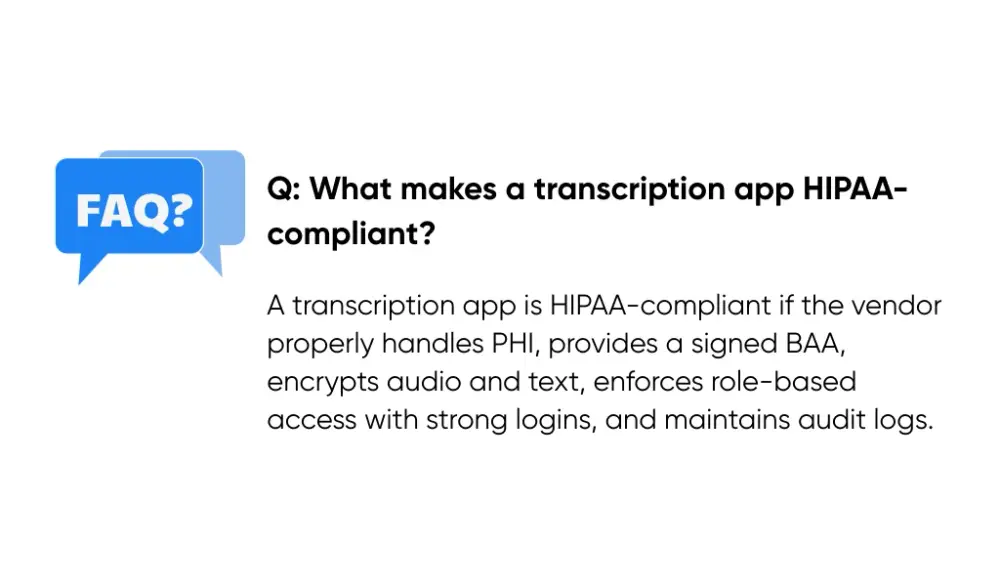
What makes a transcription app HIPAA-compliant?
AI transcription in a mobile app counts as HIPAA-compliant when the vendor can support PHI the right way. Start with a signed Business Associate Agreement (BAA). Without that, you carry the risk.
Then check the safeguards. The app should encrypt audio and text in transit and at rest. It should also lock access down with role-based permissions, strong logins, and audit logs that show who viewed or changed a note.
HIPAA does not “certify” apps. You need evidence. Ask the vendor to show how they secure data, how they store it, and how they track access.
How much do HIPAA-compliant transcription apps typically cost?
Pricing varies a lot. Most tools charge one of these ways.
- Per user per month for a set number of clinicians
- Per minute of audio based on dictation volume
- Per encounter for scribe-style notes
Costs also change based on EHR integration, support level, and how much automation you want. Ambient notes usually cost more than basic dictation.
A clean way to budget is to pilot first. Compare the price to the hours your staff gets back and the reduction in chart clean-up.
What accuracy rate should I expect from medical transcription apps?
Expect variation. Audio quality, accents, background noise, and specialty language can change results a lot.
Most dictation software vendors will claim high accuracy. Your job is to measure it in your setting. Run a short test with real phrases and score how much editing clinicians do before they would sign.
In practice, “accuracy” matters less than outcomes. A medical transcription app wins when it cuts edit minutes and prevents term mistakes that can affect patient care.
How accurate are transcription apps with medical terminology and abbreviations?
Medical terminology can work well when the app trains on clinical speech. Abbreviations cause trouble because they can mean different things in different contexts.
For example, “MS” can point to different conditions or meds depending on the visit. A good medical dictation software should let you add custom terms and should flag unclear words for review.
You can also reduce errors with team habits. Encourage clinicians to say the full term for high-risk abbreviations, then shorten it in the final note.
Should I build a custom HIPAA-compliant transcription app or use an existing solution?
Start with an existing tool when your workflows look standard, your EHR handoff looks clean, and the vendor can prove safeguards with a BAA and documentation. That path can move quickly.
Build when your clinic needs tighter fit. Common triggers include custom templates, multiple locations with different workflows, strict retention rules, offline needs, or EHR handoffs that keep breaking.
We’ve built a private, custom transcription tool for a healthcare client, designed around PHI safeguards and clinical workflows. When you want a custom route, talk to us at Aloa.