
Did you know that getting a new customer costs 5 to 7 times more than keeping one? This is even more evident in B2B software, where every support touch shapes revenue and renewals.
But right now, your customer service operations are at their limit. And customer expectations keep rising each quarter. In the near future (if not already), you have to figure out the answer to this question: how can AI improve customer service without blowing up my budget?
At Aloa, we work with CS leaders like you who face similar pressures to design AI-enabled workflows. We work with technologies that add 24/7 coverage, faster response times, and more consistent use of customer data.
This guide is based on what we see in real queues. Inside, you'll find:
- Five practical AI strategies you can run through 2026
- How to compare tools, vendors, and build versus buy paths
- A rollout checklist that your team can use for your stack
Use this list as a working plan you can bring straight to your next support review.
TL;DR
- AI models can now take 30 to 60% of basic tickets so your team focuses on more complex issues
- Smart chatbots, virtual assistants, and self-service cut wait times, give 24/7 coverage, and keep answers consistent across chat, email, and phone.
- Agent assist, knowledge search, and summaries help new reps get up to speed and reduce handle time on every call.
- Predictive routing, sentiment analysis, and alerts flag at-risk accounts before churn shows up in dashboards.
- Start with one pilot, plug it into your current tools, and track how AI can improve customer service through response times, CSAT, resolution rates, and retention.
What is an AI customer experience?
AI customer experience is how your customers feel when artificial intelligence quietly supports each step with your company. When you ask how AI can improve customer service, this is the bigger picture. AI helps route questions, draft answers, and personalize help across chat, email, and phone so support feels quicker and more consistent.
In this guide, we tie everything back to your daily work. Think ticket queues, live chat, phone calls, and the pressure to keep response times in line. The next five strategies show where AI can take on repeat questions, prep context for your team, and support higher-stakes customer conversations.
1. Deploy Intelligent Chatbots for Instant First-Line Support
AI chatbots now feel far closer to a smart teammate than a fixed script. They use natural language processing, or NLP, to read full sentences, understand intent, and respond in a way that feels natural. You place them on your site, inside your app, or in your product, and they handle first-line customer inquiries before a human agent steps in. A separate guide on AI in customer communications breaks down how this works across channels.
When you design them well, they carry a big share of the load. They answer repeat customer questions, collect the right details, and know when a person should take over. That mix keeps customers moving while your team saves energy for complex issues.
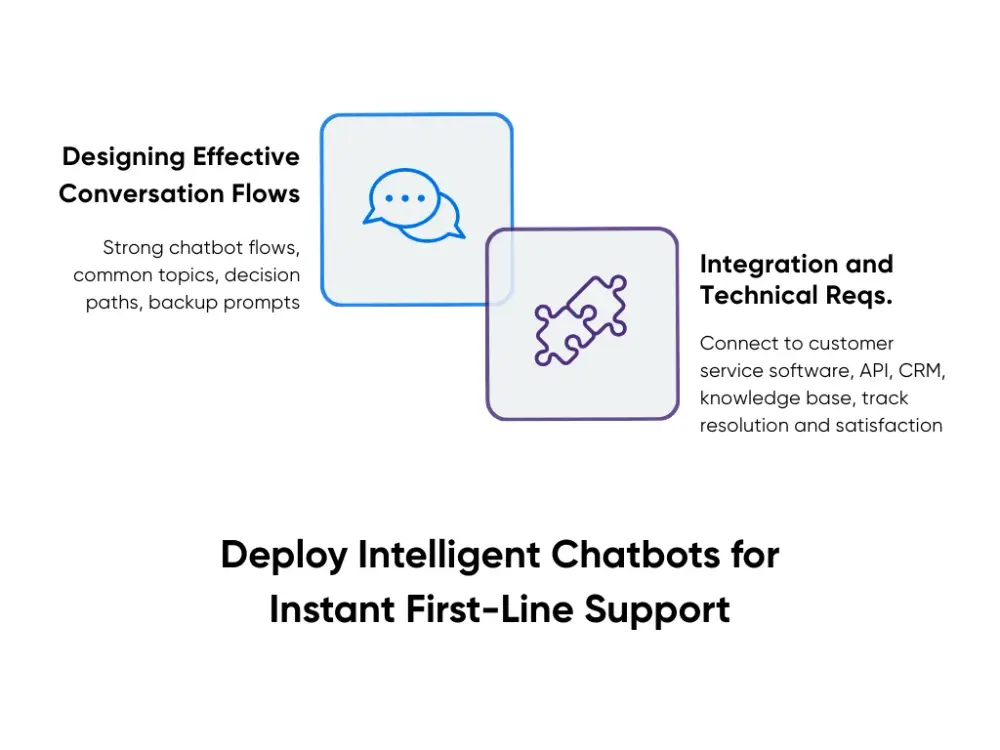
Designing Effective Conversation Flows
Strong chatbot flows start from your real support tickets, not from guesswork. Pick three to five common topics, such as password resets, account access, or billing questions, then map each one as a short decision path for those common questions. A password flow might confirm who the user is, check account status, and send a reset link, with a branch to live support when a security flag appears.
You also plan for moments when the bot feels unsure. Good flows include backup prompts, like a brief follow-up question or a quick menu, and a clear “talk to a person” option. In healthcare, for example, the bot can handle clinic hours and routine appointment changes, while any message about urgent symptoms routes straight to staff. Customers feel guided instead of trapped.
Integration and Technical Requirements
For the chatbot to help your team, it must connect cleanly to your existing customer service software and tools. You link it by API to your ticket platform, CRM, and knowledge base so the bot can create or update tickets, see account details, and pull answers from trusted content. You also pass full context, such as chat history and key fields, into the agent’s view to avoid repeated questions.
From there, you track hard numbers like resolution rate, customer satisfaction scores, and handoff quality, and you review transcripts so the bot can learn over time. When we build custom chatbots and AI agents at Aloa, we aim for one clear goal for you: fewer clogged queues and a calmer support team without losing the human feel your customers expect.
2. Implement Predictive Analytics for Proactive Customer Outreach
Predictive analytics uses machine learning to spot trouble before it hits your queue. AI looks at patterns in customer behavior and flags who might run into issues or churn soon. Instead of waiting for an angry ticket, you reach out first with help that feels timely and personal.
This is one clear answer to how AI can improve customer support for a stretched team. You move from reacting to whatever lands in the inbox to planning around risk, usage, and value. That shift protects renewals and takes pressure off your agents during heavy weeks.
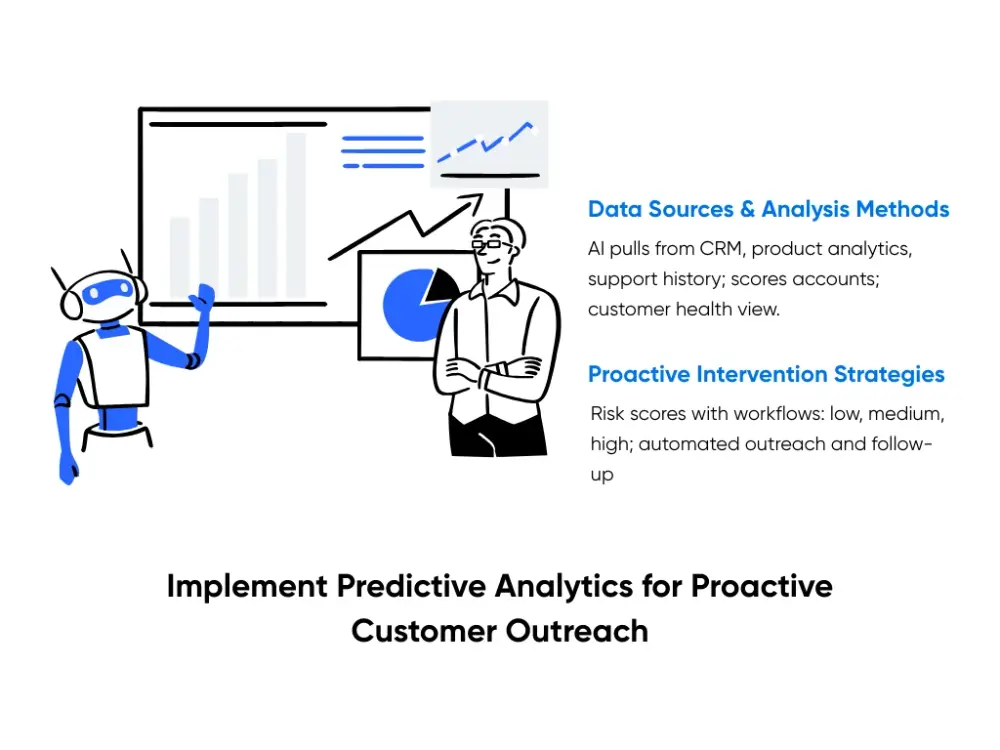
Data Sources and Analysis Methods
To make smart calls, the AI needs a full picture of each account and key customer needs. It pulls from your CRM, product analytics, and support history at the same time. Think logins, feature usage, open bugs, last ticket date, and CSAT from past conversations.
The model then scores accounts based on patterns and turns that into a customer health view. For example, a drop in logins, slower feature adoption, and a spike in low CSAT can push an account into an “at risk” band. In a healthcare platform, patients who stop checking test results, miss follow-up forms, and send more urgent messages can show lower health scores and need faster, more personal outreach.
Proactive Intervention Strategies
Once you have risk scores, you set playbooks. Each level gets its own workflow:
- Low Risk: Light check in email with a link to a short product tip
- Medium Risk: Targeted message with a step-by-step guide or video
- High Risk: Flagged for human support, maybe from an account owner or senior agent
You can trigger these flows inside your support tools using automated support workflows from partners like Aloa. We build custom logic for outreach, assignment, and follow-up timing that surfaces clear actionable insights for your team. That way, your system nudges the right customers at the right time without adding another manual spreadsheet to your week.
3. Leverage AI-Powered Sentiment Analysis for Quality Management
Sentiment analysis looks at what customers say and how they say it. An AI model reads messages and calls transcripts across email, chat, phone, and social media channels, then scores each one for mood and satisfaction. You get a live view of how customers feel, not only what they ask. To see how other industries use these tools, you can check this breakdown of AI adoption trends.
Modern tools go beyond a basic positive or negative tag. Models pick up signals such as frustration, confusion, urgency, or relief. A short reply with calm language might show as “confused but open to help.” A long message with sharp phrases and all caps might land as “high frustration” and “high escalation risk.”
For you, this turns a firehose of customer feedback into clear signals. Risky threads rise to the top so a lead can step in before customer issues blow up. Strong moments show where support agents calm tense situations, which you can then use in coaching. Over time, trend lines show which queues, channels, or features create the most stress.
Most teams use this through dashboards that slice customer sentiment by agent, channel, region, or feature. One panel can track “high urgency” contacts per day. Another can rank agents by average mood, along with example chats for feedback. In a finance app, you might see a spike in fear and frustration right after a pricing change or new fee rolls out. Customers start using words like “unfair” and “hidden charges,” which tells you to adjust your FAQ, send clearer fee breakdowns, and coach agents on how to explain the change in plain language.
Using natural language processing for customer conversations, Aloa designs sentiment models and views that plug into your existing support tools. This helps managers cut missed escalations, reduce repeat contacts, and raise CSAT scores over time while keeping coaching tied to live conversations.
4. Automate Knowledge Management and Self-Service Enhancement
Your team answers the same how-to questions every week. The knowledge base trails behind product changes and fast shifts in customer needs. AI can step in as a full-time editor. It reads tickets, chats, and release notes, then suggests new or updated articles so your help center matches what customers ask today.
To put this in place, you connect the AI tool to your ticketing system and help center. You tag a few high-volume topics such as setup, billing, and logins. The system watches new cases and, once a topic hits a set count in a week, it drafts an article. Someone on your team reviews those drafts in one sitting, approves the useful ones, and removes answers that no longer fit. Over time, repeat questions drop and more customers solve problems on the first try.
Automated Content Creation and Updates
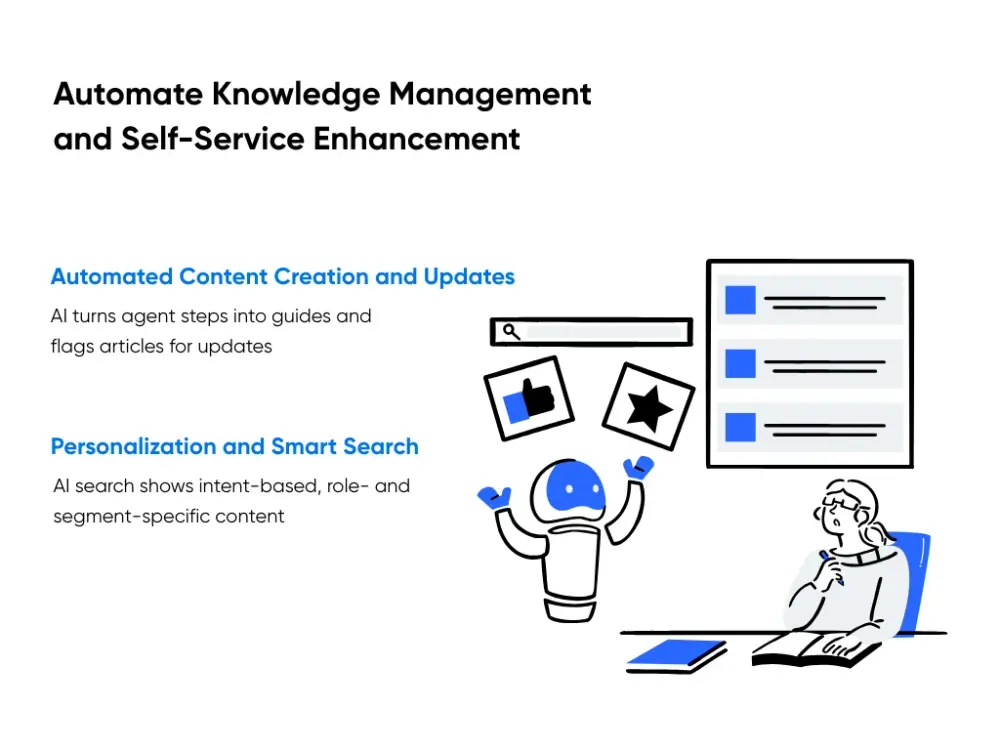
AI models scan past conversations and highlight common problems. For each pattern, they pull the steps your strongest agents used and turn them into a short guide or FAQ. Your docs owner checks tone and detail, adds one or two screenshots, and publishes instead of writing from scratch.
The AI also spots articles that need a refresh after releases. Say, ecommerce customers start saying “saved checkout” while your docs still say “stored cart.” The system flags those pages so you can update text and images before confusion turns into extra tickets.
Personalization and Smart Search
AI search focuses on intent, not only keywords. NLP lets someone type “card keeps failing at checkout” and still reach the right payment article. You can also boost results based on plan and role so the best answer sits at the top.
You can shape content by segment:
- New users see setup checklists and basic flows
- Power users see advanced configuration guides
- Enterprise accounts see content tied to their modules
In finance software, a solo bookkeeper who searches “close month” sees a short checklist. A large accounting team sees steps for approvals and multi-entity rules. We build this kind of self-service layer with generative AI for support knowledge so your team spends less time repeating answers and more time on complex customer problems.
5. Enable 24/7 Multilingual Support with AI Translation and Routing
Once your product goes global, two things start to hurt fast: language and time zones. Customers message you in many languages, at all hours. One English-only queue falls behind.
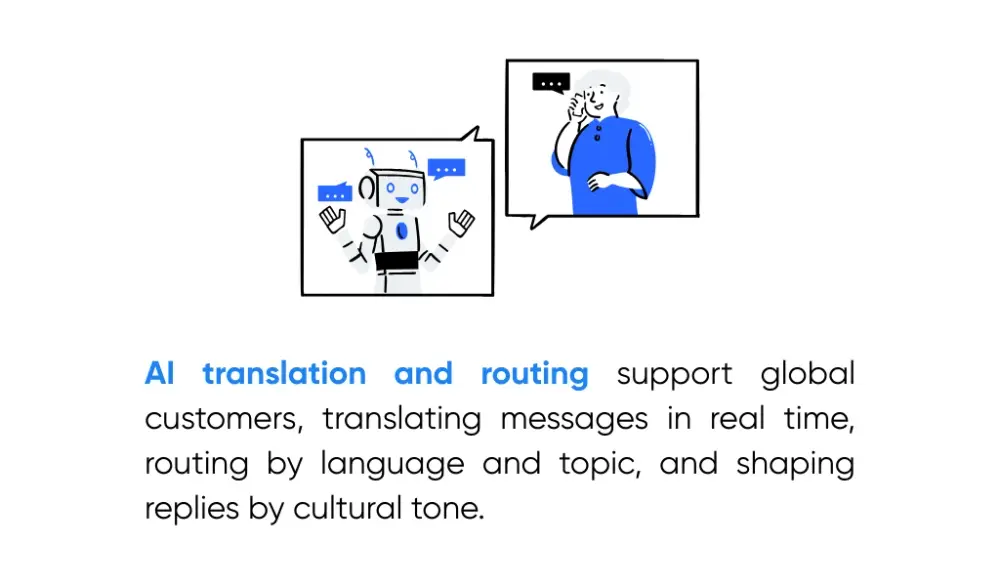
AI translation and routing give you a way to support global customers without hiring full teams in every region. AI reads the customer’s message in their language, turns it into the language your team uses, your agent or chatbot replies, and AI turns that reply back for the customer. This happens in real time, so the conversation feels natural on both sides, which keeps customer engagement high.
Smart routing sits on top of that. The system checks language, time zone, topic, and sometimes account type. A French billing ticket from Montreal goes to a French speaker who knows billing. A Japanese question about healthcare integration goes to a specialist who knows the product and local rules. Customers reach someone who speaks their language and understands their problem instead of whoever is free.
You can see this pattern with large platforms. Airbnb translates host and guest messages across many languages so both stay in one thread. Uber converts messages between riders and drivers into each person’s preferred language so trips run smoothly even when they do not share a language.
The last layer is cultural tone. You set clear rules for greeting, formality, and level of detail by region. AI then shapes replies so German buyers get direct notes, while patients in a healthcare app get calm language and extra reassurance.
At Aloa, we build chatbots and AI agents that support this kind of multilingual setup. We connect your chat and ticket tools to one AI layer for translation, routing, and tone, so your team runs a single queue while customers everywhere feel like they spoke with a local team.
Key Takeaways
You now have five clear ways to plug AI into support and get practical benefits of AI in day-to-day work. Pick one problem, like slow replies or ticket backlogs, and start there. Ship a small pilot, measure impact, then expand into smarter routing, better knowledge, and deeper analytics. Your future self will thank you.
Keep expectations grounded. AI still needs guardrails, clean data, attention to data privacy, and human intervention. Loop your agents into design so they feel like co-builders, not a test audience.
As AI tools improve, the gap grows between teams that use them well and teams that wait. For a calm, structured way to move ahead, we can help. Talk with our AI team about your support roadmap and see how can AI improve customer service for your company.
FAQs
What is an AI customer experience and how does it differ from traditional customer service?
AI customer experience means AI supports each step of the customer journey in the background. AI helps route questions, draft replies, suggest next steps, and keep context across channels. Traditional service leans only on humans, which limits hours and consistency. With AI, your team still handles complex issues, while software takes care of routine tasks and prep.
How much does it cost to implement AI in customer service?
Costs depend on scope and depth. Here's a quick range:
- Starter pilots for one chatbot or narrow workflow: $15,000-$50,000
- Mid-range setups with analytics and sentiment scoring: $50,000-$200,000
- Large, multi-channel programs across regions: $200,000-$1,000,000 or more
Most teams start with a focused pilot, then increase investment after clear gains in response time, ticket volume, and customer satisfaction. At Aloa, we usually guide leaders toward a smaller first project so budget, risk, and learning stay under control.
How long does it take to implement AI customer service solutions?
Timeline depends on how wide you go. A basic single-channel chatbot often takes four to eight weeks from design to launch. Multi-channel programs with routing, analytics, and knowledge work often need three to six months. Full, company-wide AI service programs with many tools and regions can take six to twelve months, usually in phases.
What data do I need to implement AI customer service effectively?
Strong AI support needs clean, structured data. Core inputs include past tickets and chats, tagged by topic and outcome, CRM records, product usage data, and a clear, up-to-date knowledge base. Many teams also add survey scores, call transcripts, and churn data. The better your data coverage and quality, the more accurate and helpful AI responses become.
How do I get my customer service team to adopt AI tools rather than resist them?
Start by framing AI as support for agents, not a replacement. Involve a few trusted agents in tool selection, script design, and testing. Share early wins, such as fewer repetitive questions or shorter average handle time, and ask for feedback after each change. Train managers to model use during coaching sessions. When your team sees less busywork and more time for complex, meaningful cases, adoption rises on its own.